Creating an API Key
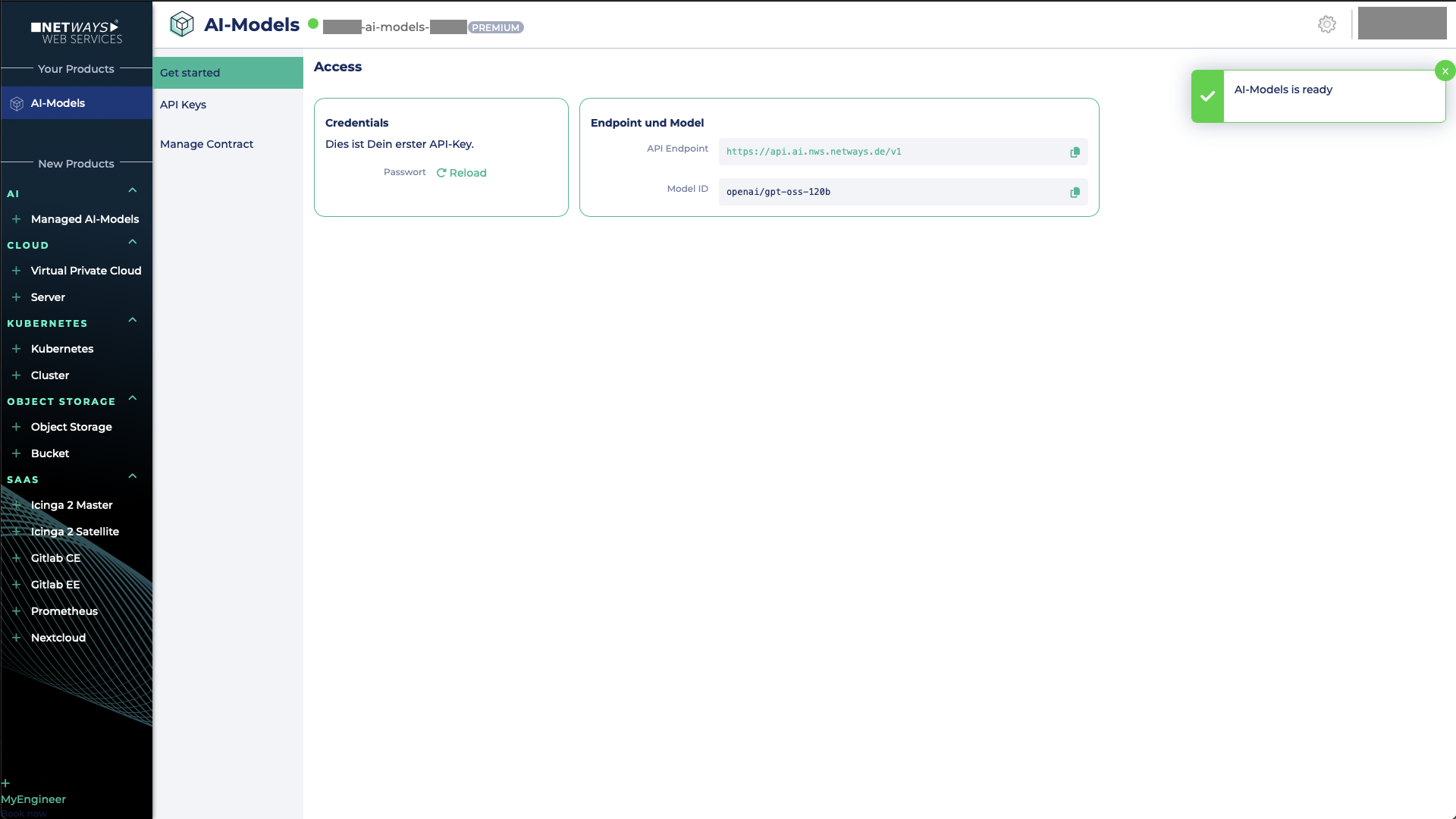
Once you have successfully created your AI Model project in MyNWS, you can add additional API keys.
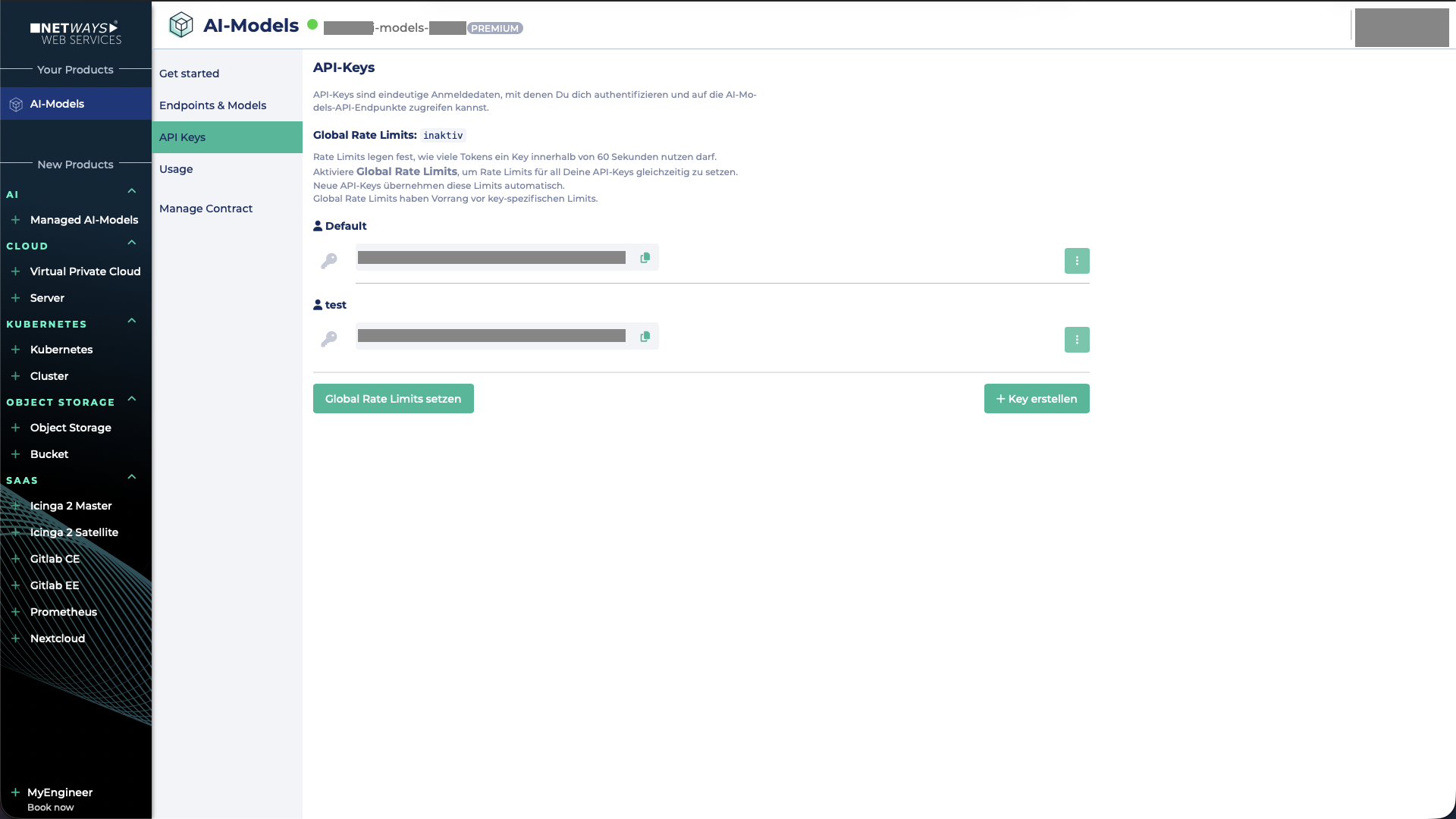
To do this, switch to the API Keys tab. A dialog will open where you can manage the keys.
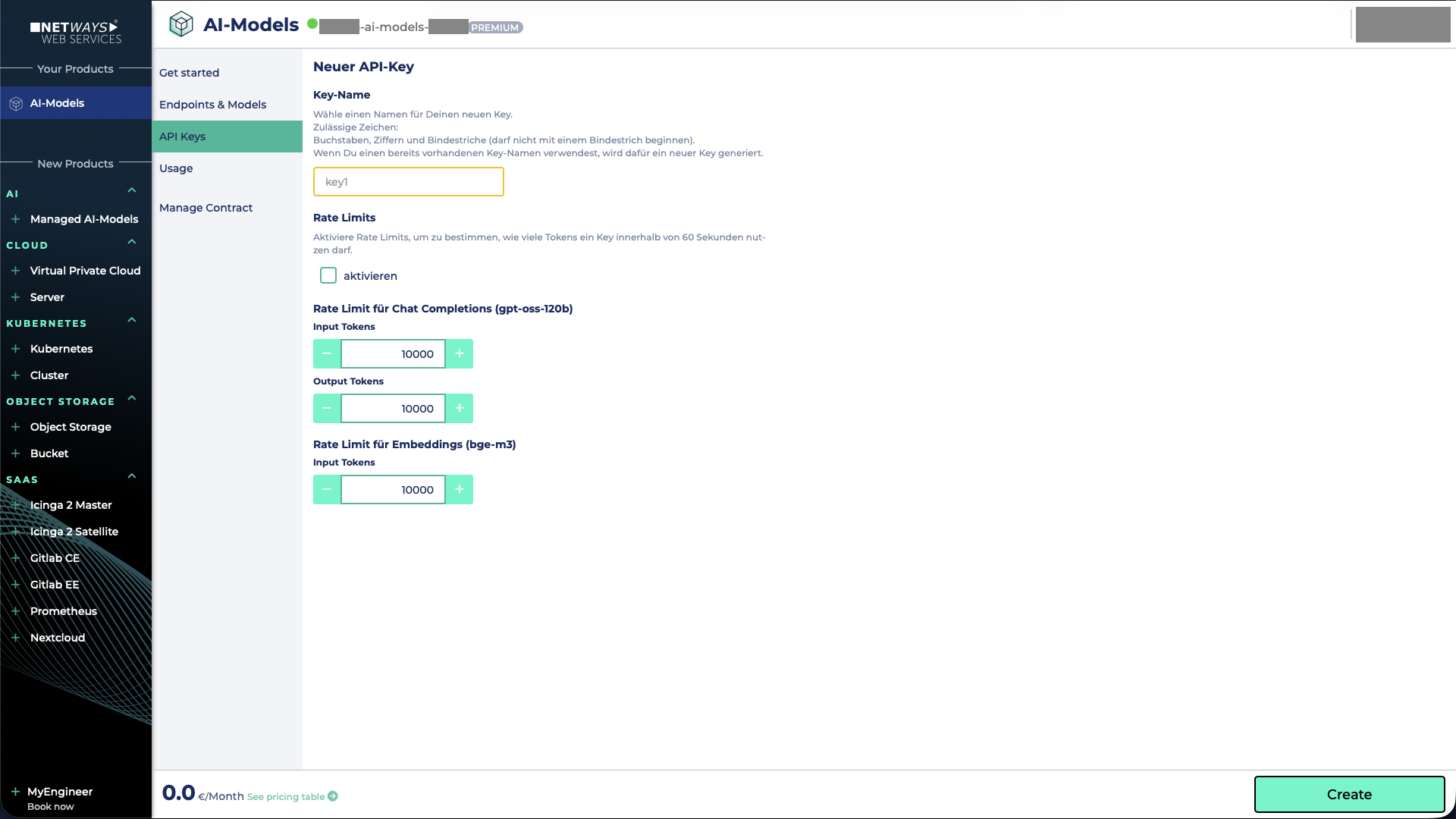
Now click on Create API Key to give your key a name. Under Advanced Settings, you can also set rate limits for the key. Afterwards, you can generate the API key using the Create button.
Note
The default API key cannot be deleted, but can only be regenerated!