Cluster Autoscaling
NETWAYS Managed Kubernetes® provides support for Cluster Autoscaling.
This allows Kubernetes clusters to scale horizontally by adding or removing worker nodes as load varies.
To (de)activate the feature, click Enable Autoscaling in the context menu of the respective cluster. This will install the Cluster Autoscaler in the cluster:
kubectl get deployment -n kube-system cluster-autoscaler

NAME                 READY   UP-TO-DATE   AVAILABLE   AGE
cluster-autoscaler   1/1     1            1           12m
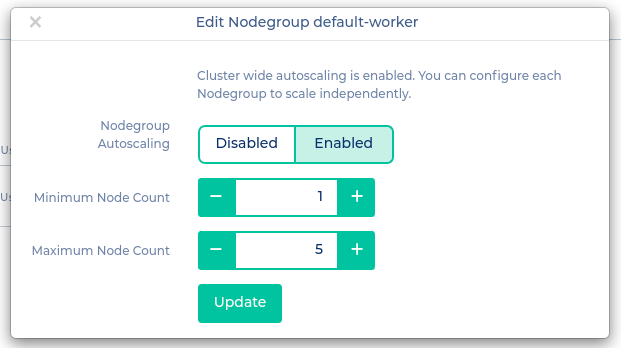
After the Cluster Autoscaler has been successfully installed, you need to configure the node groups that should be scaled. To do this, go to the Nodegroups menu, click Edit for the relevant node group, set Autoscaling to enabled, and specify the appropriate minimum and maximum values.