Getting Started
Starting the App
After successful registration in MyNWS, click on Managed Services in the left sidebar.
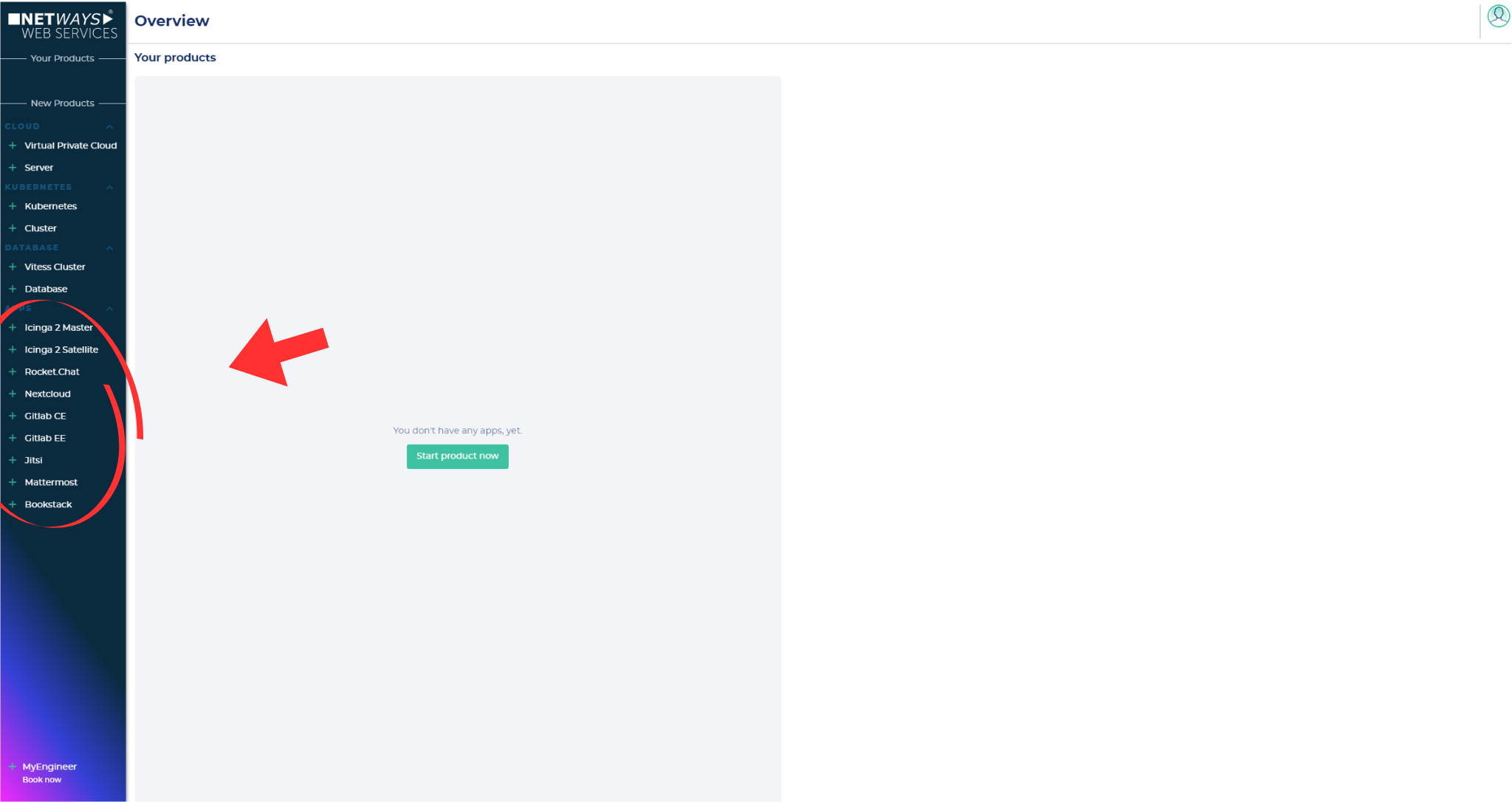
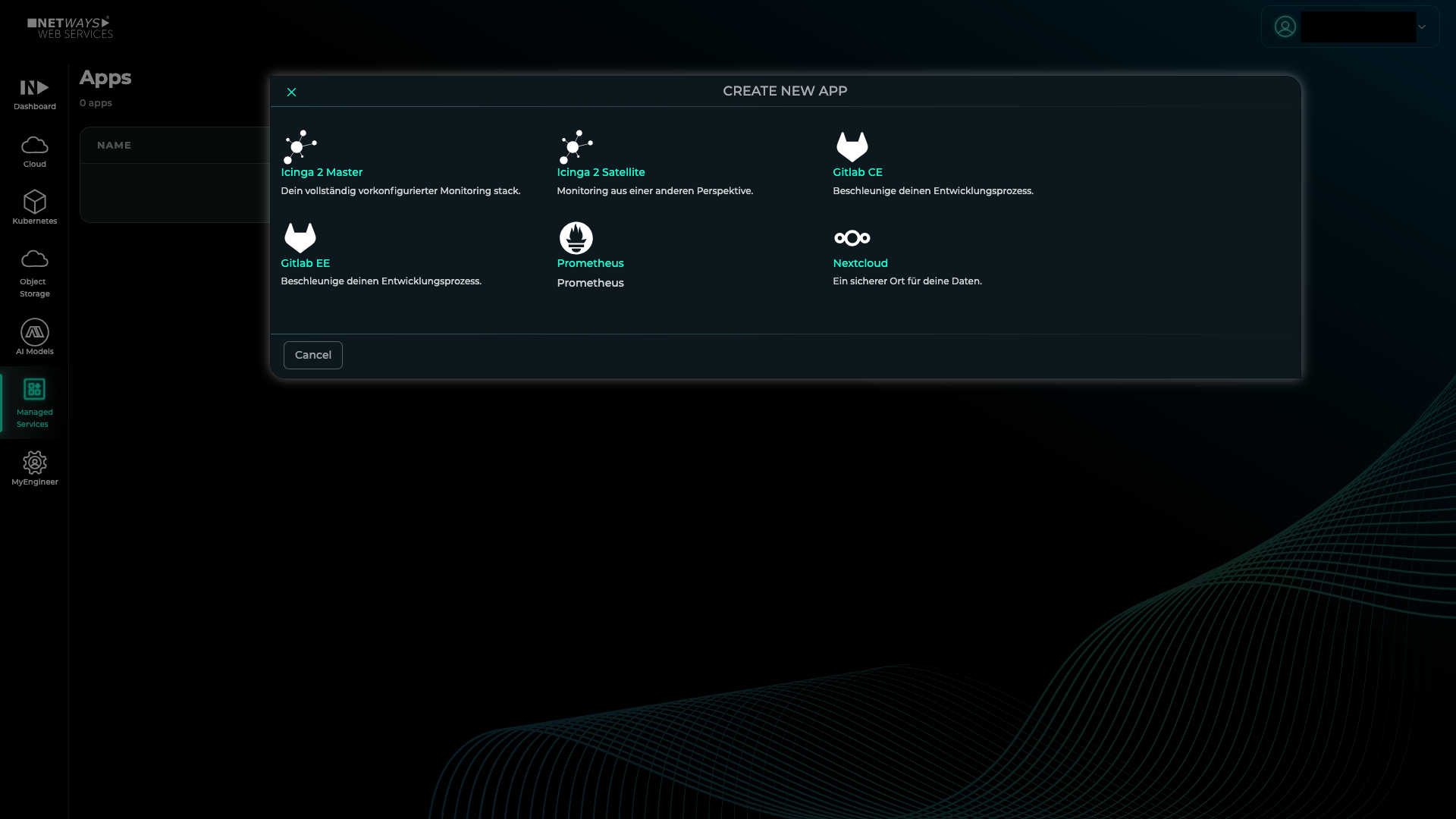
Then select the product you want to start, in this case Icinga Master.
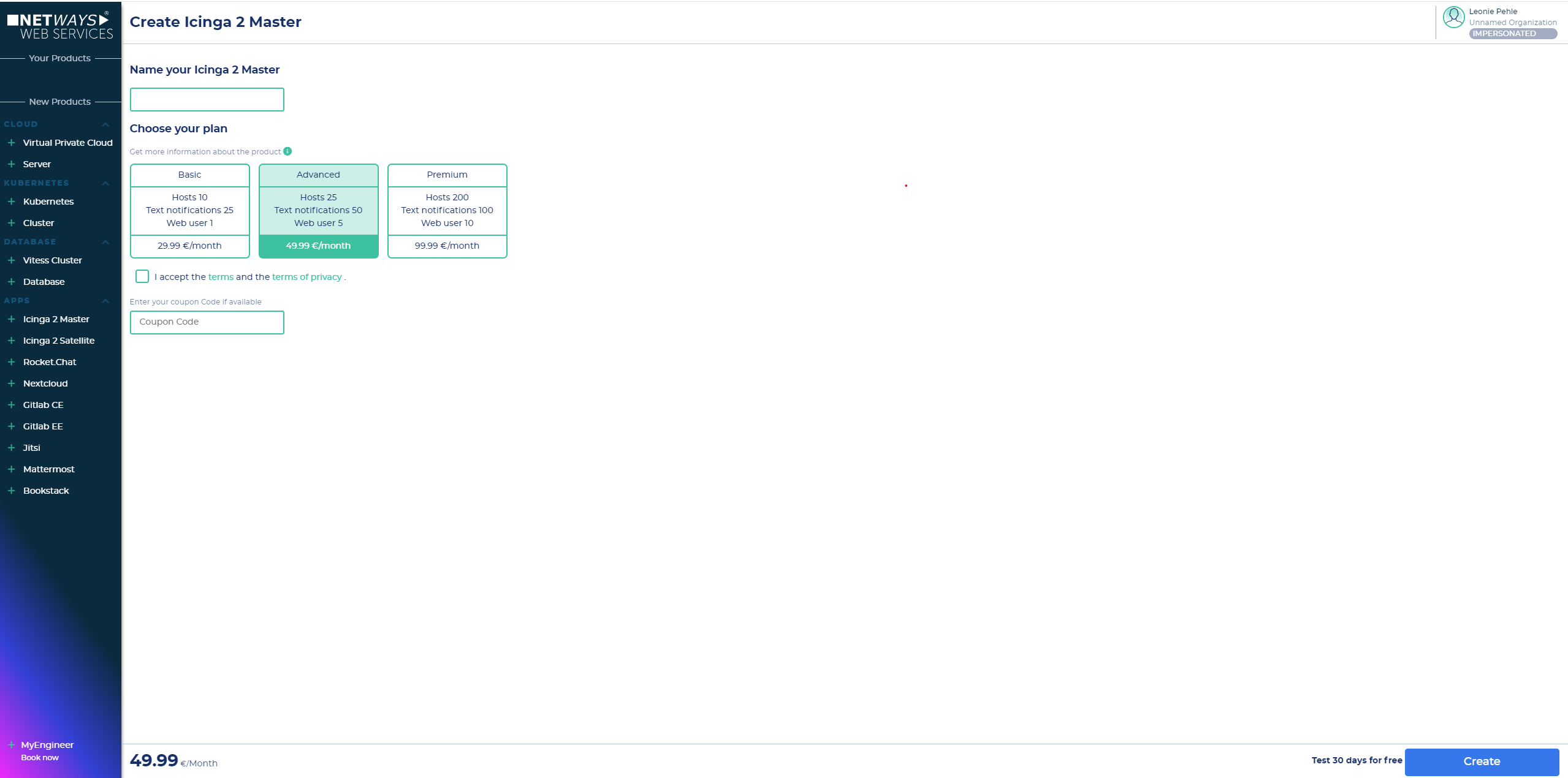
Next, name your app instance, select the appropriate Plan, and click on Create.
After 3-4 minutes, the Icinga Master app will be installed and available. The MyNWS interface will inform you about the installation progress.
Logging In
In the Managed Services menu in MyNWS, click on the app and select the Get Started tab, where you can find the login credentials.
Info
The password must first be made visible by clicking on in order to copy it.
- You can then click on the address listed under Endpoints to access the Icinga Master instance and enter the credentials.
Password Change in Icinga Web
The password in use must not be changed via the Icinga web interface. Otherwise, problems may occur in the configuration of the Icinga Master app.