Setting up kubelogin
The small tool kubelogin (also: kubectl oidc-login) enables the use of OpenID Connect (OIDC) authentication for Kubernetes, e.g. with the NWS‑ID.
Installing kubelogin
kubelogin can be installed either as a release binary or via several package managers.
Installation as a binary
The current release binaries are available on GitHub.
Naming and placement
After downloading and extracting the .zip file, the binary must be renamed to
kubectl-oidc_login and placed somewhere in the $PATH.
Otherwise kubectl will not find the plugin.
Installation via package managers
Packaged versions of kubelogin exist for Homebrew, krew (the kubectl plugin manager), and Chocolatey:
Using kubelogin
After a successful installation, OIDC authentication can be tested with kubelogin.
First, configure kubectl with a kubeconfig via the
NWS‑ID, as described in the article
Setting up kubectl.
Subsequently, authentication is automatically triggered when using kubectl.
If the user is not authenticated, a browser window opens:
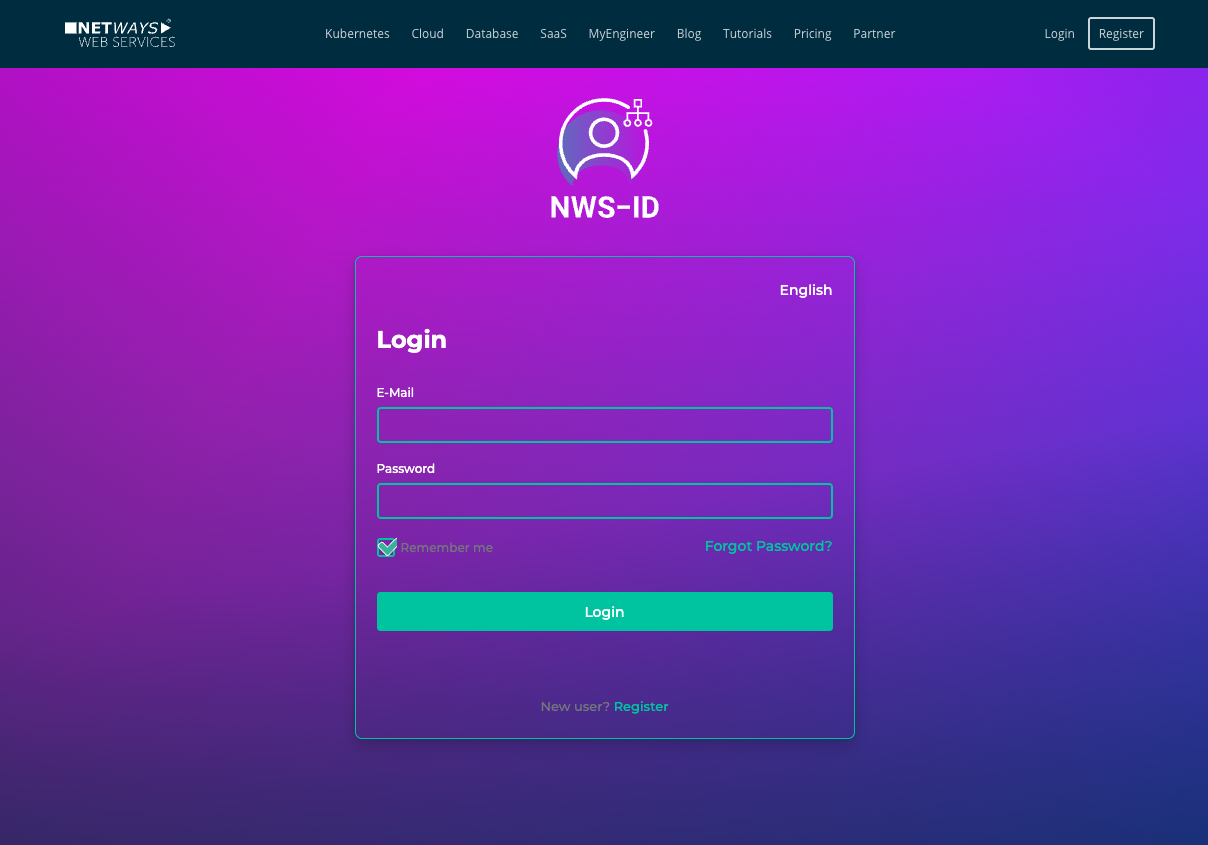
After a successful login, a success message appears in the browser. The window can be closed – the authenticated session is automatically cached by kubelogin in the terminal.
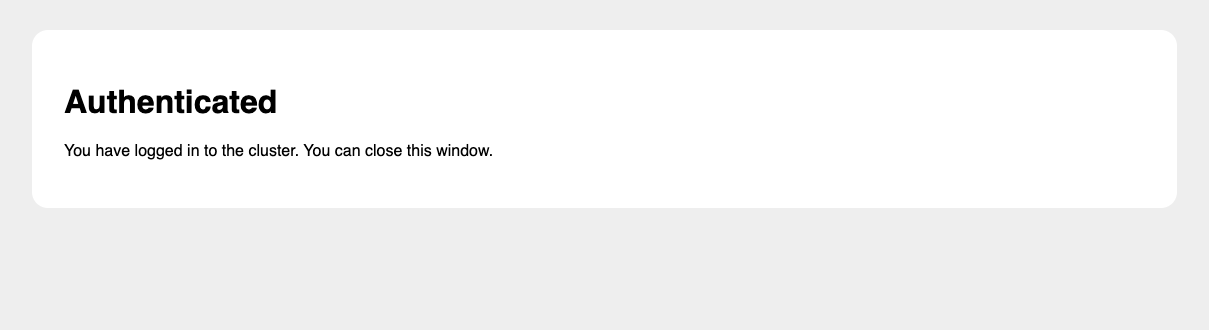
Subsequent requests to the Kubernetes cluster via kubectl are performed automatically with authentication.