Fedora CoreOS Upgrades
| v1.29 | v1.30 | v1.31 | v1.32 | v1.33 | v1.34 | v1.35 | v1.36 | |
|---|---|---|---|---|---|---|---|---|
| Fedora CoreOS | 40,41 | 41,42 | 41,42 | 41,42 | 42,43 | 42,43 | 43,44 | 44 |
To configure automatic OS upgrades for nodes of a NETWAYS Managed Kubernetes® cluster, click Update Operating System in the cluster’s context menu.
There are several ways to perform the update. The choices are Immediate, Periodic, or Lock‑based. Each option has different advantages. In general we recommend using the Lock‑based upgrade strategy. The options are explained in detail below. In any case, the Fedora CoreOS versions are tied to the Kubernetes version. The last two supported CoreOS versions are listed in the table above.
Node restarts during OS upgrades
Cluster nodes are automatically restarted when an OS upgrade is performed. This must be taken into account when planning upgrades.
Kubernetes Upgrades
In order to perform Kubernetes upgrades, a current version of Fedora CoreOS must be running. One of the last two versions is sufficient. You can see them in the table above. Each node group is bound to the CoreOS version it was first started with.
So, if you created a node group for v1.24, new nodes will always be started with the old Fedora CoreOS version 37. Therefore it makes sense to replace node groups more frequently with new ones. This can be nicely integrated into the Kubernetes upgrade process. The old node group then does not need to be upgraded in the Kubernetes version, and the new one comes up directly with the latest CoreOS and Kubernetes versions.
Strategies
Warning
With the Periodic and Immediate update strategies interruptions are inevitable, because no node drains are performed. During the update the nodes may be unreachable for up to a minute.
Lock‑based
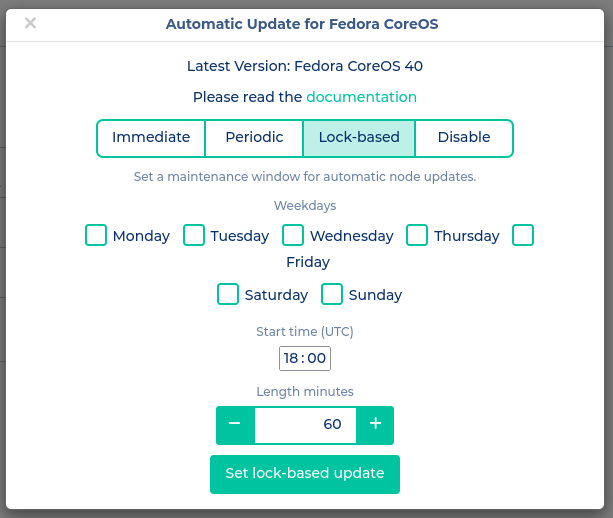
This strategy uses fleetlock for orchestrating the upgrades. We have extended the service to allow specifying a time window during which upgrades may occur. Only one node is upgraded in parallel, and before the final reboot the node is drained. This keeps the impact as small as possible.
Periodic
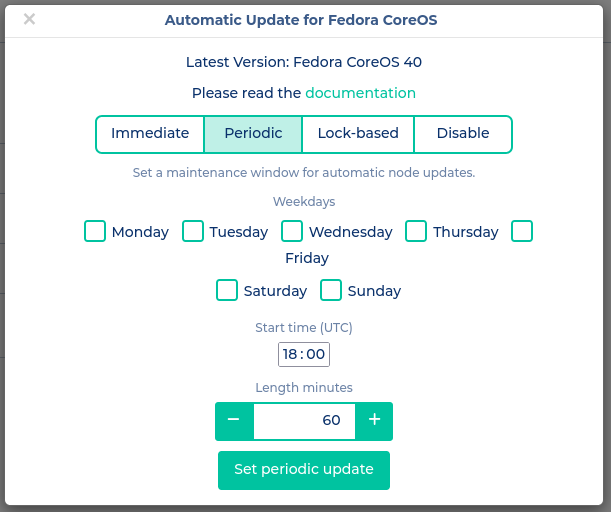
When using Periodic upgrades, they only happen within the specified time window. However, unlike the Lock‑based upgrades, no drains are performed and nodes are restarted directly after the upgrade is installed. Consequently, several nodes may install upgrades in parallel, and services in the cluster may become unavailable during that time. If two or more control‑plane nodes in an HA cluster are updated in parallel, the API will also be affected. Since the reboot typically takes less than a minute, the impact remains limited. Nevertheless, the time window should be chosen outside of production hours.
Immediate
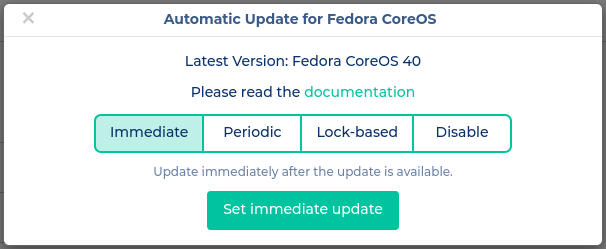
This strategy is primarily interesting for staging environments, as well as before Kubernetes upgrades. As the name suggests, upgrades are applied immediately. This will disrupt services in the cluster, but it is useful when you need to get to the latest version as quickly as possible.